Stops the scroll
The polished, film-like look reads as premium in a fast feed.
Cinematic AI Motion & Illustration
Turn a photo or short clip into a 2.5D motion illustration with depth, soft lighting and smooth camera movement — premium-looking videos for TikTok, Reels and YouTube Shorts in minutes.

2.5D sits between flat 2D and full 3D. It creates the illusion of depth and motion — without any real 3D modelling — by moving layered parts of an image at different speeds and adding cinematic light.
The polished, film-like look reads as premium in a fast feed.
Travel, portraits, fashion, anime, quotes, music, products, real estate, food.
6–10 second clips loop seamlessly and rack up replays.
A consistent 2.5D style quickly becomes recognisably yours.
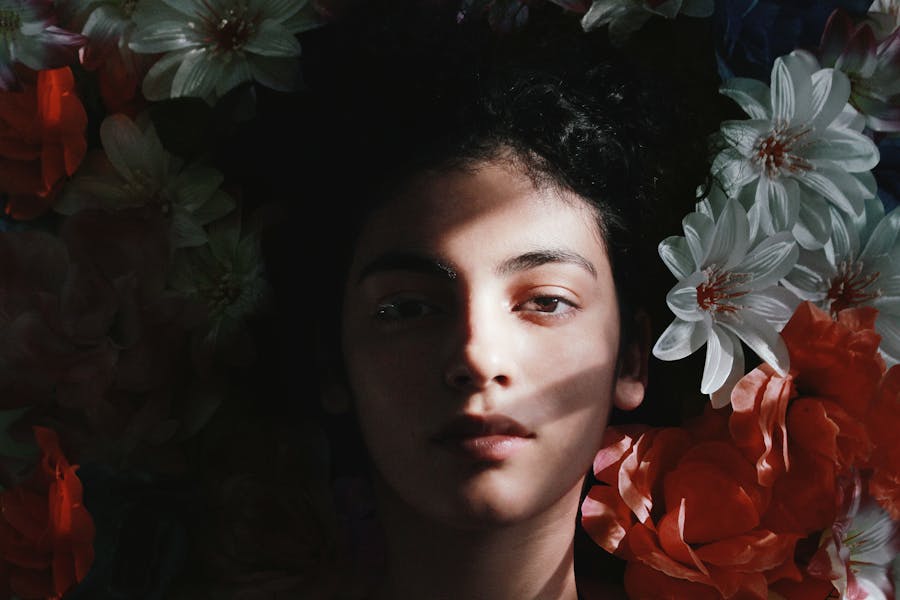
City walks, sunsets and mountains turned into cinematic postcards.

Hair movement, blinking and shifting light on a single portrait.
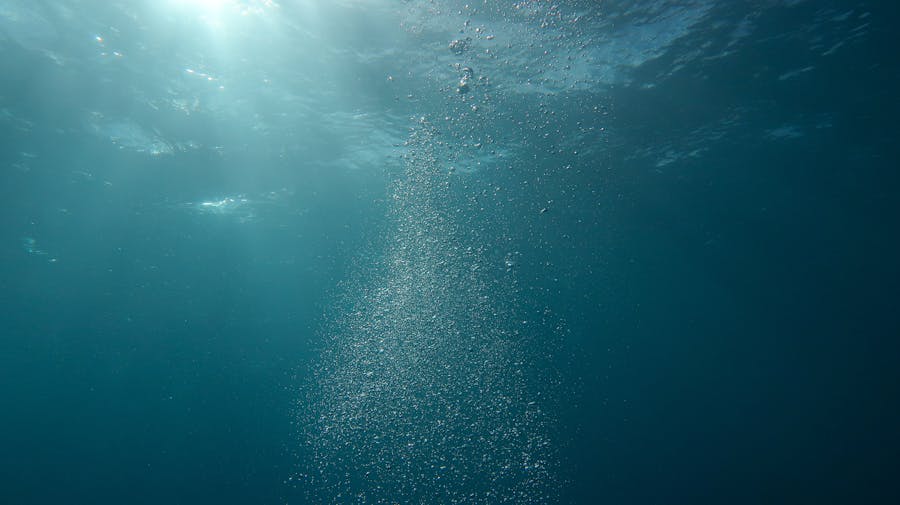
Atmospheric 6–10 s loops for lofi, house and soundtracks.

Hero shots, teasers and ad variations with depth.

Multi-scene sequences stitched together with captions.
The cleanest, most consistent 2.5D output.
Keeps real motion — if the footage is calm.
Fastest to try, least consistent.
| Attribute | Image to Video | Video to Video |
|---|---|---|
| Clean look | Excellent | Good |
| Consistency | High | Medium |
| Real motion | Generated | Preserved |
| Main risk | Weak motion | Flicker & warping |
| Best for | Portraits, products, postcards | Walks, b-roll, performances |
Clear subject, good lighting and visible depth — foreground, midground, background.
Slow push-in, pan, parallax, floating particles or a light flicker. Pick one.
Cinematic, soft, neon or sunset. Start soft for maximum stability.
Use the formula below and add stability keywords.
Change one thing at a time and keep the best take.
Add a hook, subtitles, music and tight pacing, then post.
Cinematic 2.5D illustration style, soft lighting, slow camera push-in, smooth motion, stable edges, high detail
Paste into Domo AI, then swap the subject for your own.
Soft portrait of a young woman, cinematic 2.5D illustration style, soft studio lighting, gentle hair movement, slow camera push-in, natural face, consistent features, stable edges
Portrait at golden hour, warm sunset glow on the face, 2.5D cinematic style, light lens flare, subtle blinking, slow push-in, sharp subject, soft background, no flicker
Neon cyberpunk portrait, pink and blue rim light, light rain in the air, 2.5D illustration, slow parallax, sharp subject, soft background, stable edges
Person by a rainy window at night, warm lamp glow, raindrops sliding on glass, 2.5D cinematic style, slow pan, soft contrast, natural face, smooth motion
Fashion editorial portrait, clean light-grey background, soft key light, 2.5D illustration style, subtle head turn, slow camera push-in, high detail, consistent features
City street at night, neon signs and wet reflections, 2.5D cinematic illustration, slow forward dolly, light rain particles, stable edges, high detail
Beach at sunset, gentle waves rolling in, warm orange sky, 2.5D cinematic style, slow pan right, soft contrast, smooth motion, no flicker
Mountain peaks above drifting clouds, early morning light, 2.5D illustration, slow zoom in, depth layers, cinematic lighting, stable edges
Old temple at sunrise, soft morning light rays, floating dust particles, 2.5D cinematic style, slow push-in, sharp subject, soft background
Busy night market lit by paper lanterns, warm glow, 2.5D illustration, slow parallax through stalls, soft contrast, clean lines, smooth motion
Cozy bedroom on a rainy night, warm lamp glow, rain on the window, 2.5D illustration style, very slow push-in, seamless loop, no flicker
Cup of coffee on a wooden table, steam rising slowly, morning window light, 2.5D cinematic style, gentle parallax, seamless loop, stable edges
Single candle on a desk, soft flickering flame light, dark cozy room, 2.5D illustration, slow push-in, soft contrast, smooth motion
Old library at night, warm desk lamps, floating dust particles, 2.5D cinematic style, slow dolly forward, depth layers, stable edges
View from a train window at night, rain streaks on glass, city lights passing, 2.5D illustration, slow lateral motion, seamless loop
Minimal product hero shot on a white pedestal, soft studio lighting, 2.5D cinematic style, slow orbit, sharp subject, clean background, high detail
Luxury perfume bottle on black marble, soft highlights and reflections, 2.5D illustration, slow push-in, cinematic lighting, stable edges
Plate of fresh food with warm light and rising steam, 2.5D cinematic style, shallow depth of field, slow push-in, soft contrast, smooth motion
Sleek tech gadget on a dark surface, neon rim light, 2.5D illustration, slow 180-degree orbit, sharp subject, clean lines, no flicker
Skincare bottle on a pastel background, soft diffused light, water droplets, 2.5D cinematic style, slow push-in, clean background, stable edges
Forest in light rain, mist between the trees, floating particles, 2.5D cinematic illustration, slow dolly forward, depth layers, soft contrast
Quiet winter street with gentle snowfall, warm window lights, 2.5D illustration style, slow pan, smooth motion, stable edges
Ocean cliff with waves crashing below, dramatic sky, 2.5D cinematic style, slow push-in, volumetric light, sharp subject, soft background
Sunrise light rays through tall trees, golden haze, 2.5D illustration, slow tilt up, cinematic lighting, no flicker
Night sky with drifting clouds and stars over a hill, 2.5D cinematic style, very slow pan, seamless loop, soft contrast, stable edges
Avoid: harsh overhead light, noisy low-light footage, blown-out highlights.
| Problem | Likely cause | How to fix it |
|---|---|---|
| Flicker | Detail changing between frames, a heavy style or noisy source. | Shorter clips, softer style, stability keywords, calmer background, brighter source. |
| Warping | Fast motion combined with heavy stylization. | Calmer footage, less motion, no extreme camera moves, a lighter preset. |
| Face changes | Features re-interpreted from frame to frame. | Clear front-facing image, larger face in frame, consistency keywords, softer light. |
| Weak motion | 2.5D motion is subtle by nature. | Ask for a specific camera move, add particles, use depth-layered images. |
| Flat output | Few depth cues and flat lighting. | Separate foreground and background, add “depth of field”, use cinematic lighting. |
Post 1–2 times a day to grow, and batch-create 10–20 clips per session.
This looks like a movie poster
Real photo → AI animation
Which style is better: A or B?
It’s an illustrated style that creates the illusion of depth and cinematic motion — somewhere between flat 2D art and full 3D animation, without any 3D modelling.
Usually, yes. Image-to-video gives cleaner, more stable results. Video-to-video works well when the footage is bright, stable and not too fast.
Use a softer style, keep clips short, avoid noisy footage, and add stability keywords such as “stable edges” and “no flicker” to your prompt.
6–12 seconds, often looped. For vibe loops, 6–10 seconds works best.
Generally yes, depending on each platform’s rules. Avoid copyrighted characters and brands, and use licensed or platform-safe audio.
2.5D is about subtle motion, cinematic lighting and stable edges. Get those three right and everything else follows.
Build a repeatable 2.5D series — travel postcards, portrait intros, atmospheric loops or before/after reveals.